Model Y V2L and Powershare
Does your Tesla Model Y support V2L? Outlet Adapter cutoffs and Powershare home backup
Which Model Y cars work with Tesla's Outlet Adapter by trim and build month, how to check Powershare Support, the 2.4kW limit, and home backup with Powerwall.
Updated Oct 2026 · Owner guidance only: have a licensed electrician verify circuits, permits, load calculations, and local code before installing or relying on high-amperage charging.
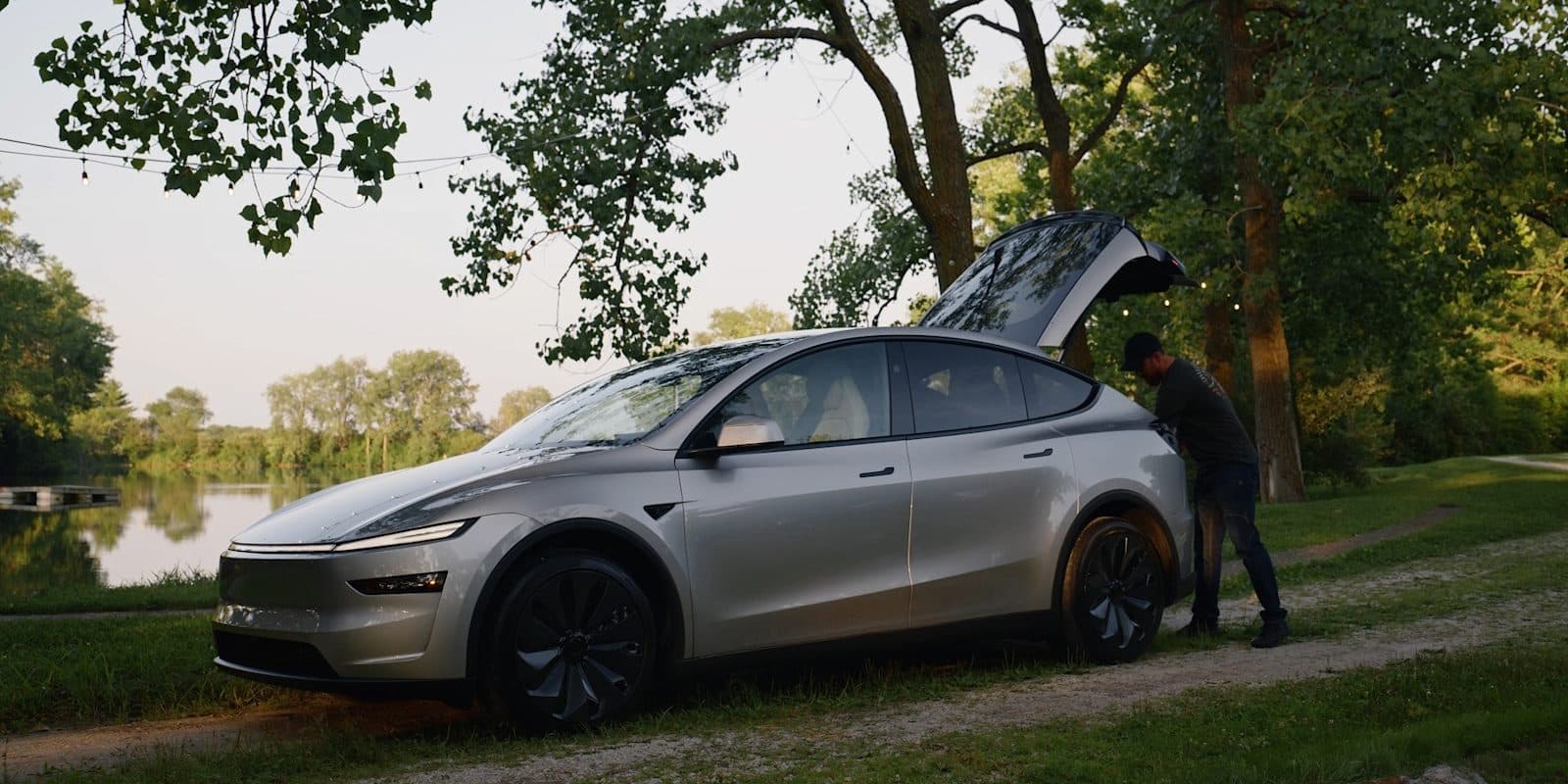
Tesla's listed path is vehicle charge port → Gen 3 Mobile Connector → Outlet Adapter. Check your production month against Tesla's cutoffs, or the Powershare Support field on the touchscreen, before buying.
Short answer
- October 2026 update: Tesla now publishes production-month cutoffs. Model Y Standard and Model Y L are no longer excluded; they qualify from their cutoff months.
- Outlet Adapter cutoffs (Tesla Shop): Model Y Performance built Dec 2025+, Model Y Premium built Apr 2026+, Model Y L Premium built Sep 2026+, all other Model 3 and Model Y trims built Oct 2026+, and Cybertruck.
- Required path: vehicle charge port → Gen 3 Mobile Connector → Tesla Outlet Adapter → 120V load. The Gen 2 Mobile Connector does not work. Tesla lists vehicle software 2025.44 or later and Mobile Connector software 24.20 or later.
- Published maximum: 120V, 20A, 2.4kW. That covers a fridge, lights, or a laptop, not a whole house.
- Whole-home backup is Powershare with Powerwall: Model 3 or Model Y, a Powerwall 3 (Tesla says Powerwall 2 and Powerwall+ support is coming later), and a Wall Connector 3 or Universal Wall Connector, enabled by Tesla Support. Without a Powerwall, Powershare home backup is Cybertruck-only.
Next-step checklist
Choose the right fix before buying charging hardware
1 · Decide
Match setup to routine
Daily miles, overnight hours, parking access, panel capacity, and backup needs decide the setup — not charger hype.
2 · Scope
Prepare the electrician quote
Take photos, map the wire route, ask about permits, confirm load capacity, and choose hardware only after the install path is clear.
3 · Buy / install
Buy after the real problem is clear
Once you know whether the issue is app status, outlet limits, Wi-Fi, panel capacity, or hardware, the charger and cable choices become much easier.
Applies to
| Tesla model / owner type | Applies? | Why it matters |
|---|---|---|
| Model Y Performance built Dec 2025+ | Yes | Listed on Tesla Shop. Still confirm the Gen 3 Mobile Connector and run the signed-in check before ordering. |
| Model Y Premium built Apr 2026+ | Yes | Listed on Tesla Shop. A 2026 model-year Premium built before April is not on the list. |
| Model Y L Premium built Sep 2026+ | Yes | Listed on Tesla Shop. Any other Model Y L trim falls under the October 2026 cutoff. |
| Model Y Standard and other trims built Oct 2026+ | Yes | Covered by Tesla's "all other Model 3 and Model Y trims" cutoff. |
| Any Model Y built before its trim's cutoff | Sometimes | Not on Tesla Shop's list. Tesla says some, but not all, Model 3 and Model Y cars produced before October 1, 2026 are Powershare-capable, so the touchscreen field and the signed-in check decide. |
Decision factors: fit vs risk
Touchscreen says Powershare Support: Enabled
Good fit: Order the $80 Outlet Adapter if you already have the Gen 3 Mobile Connector, after Tesla's signed-in compatibility check agrees. Stay within 120V / 20A / 2.4kW.
Watch out: Enabled is a vehicle capability, not a home-backup install. Whole-home backup still needs a Powerwall 3 (Tesla says Powerwall 2 and Powerwall+ support is coming later) and a paired Wall Connector.
Built after your trim's cutoff month
Good fit: Tesla lists the car. Confirm the Gen 3 Mobile Connector and software versions (vehicle 2025.44+, Mobile Connector 24.20+).
Watch out: Model year is not production month. Read the door-jamb label.
Built before the cutoff and not Enabled
Good fit: Use a standalone portable power station for outage or camping 120V power.
Watch out: Do not treat a third-party bidirectional charge-port adapter as a safe workaround; Tesla's warranty excludes damage from it.
You want the whole house on in an outage
Good fit: Powershare Home Backup with Powerwall 3. Tesla estimates up to two days for Model Y Standard and over two days for Premium and Performance, at 30 kWh a day from a 90% charge.
Watch out: Needs a Powerwall 3 (Tesla says Powerwall 2 and Powerwall+ support is coming later) plus a Wall Connector 3 or Universal Wall Connector, and Tesla Support turns it on. Powershare Grid Support (selling energy back) is Cybertruck-only.
What owners get wrong
- • Going by pre-October guidance that only Model Y Premium and Performance qualify. Tesla's cutoffs now cover every Model 3 and Model Y trim built October 2026 or later.
- • Reading the model year instead of the production month. A 2026 Model Y Premium built in March 2026 is before Tesla's April 2026 cutoff.
- • Treating the 2.4kW Outlet Adapter as home backup. Powershare home backup is a separate system that needs a Powerwall 3 (Tesla says Powerwall 2 and Powerwall+ support is coming later) and a paired Wall Connector.
- • Ordering the adapter for a Gen 2 Mobile Connector. Tesla says only the Gen 3 Mobile Connector supports it.
- • Using a third-party bidirectional charge-port adapter on a car Tesla does not list. Tesla's vehicle warranty does not cover damage caused by that equipment.
Practical action plan
- 1. Update the car to firmware 2026.32.6 or later, then tap the vehicle icon → Software → Additional Vehicle Information. "Powershare Support: Enabled" means Tesla treats the car as Powershare-capable.
- 2. Read the production month on the certification label in the driver-side door jamb and compare it with the Outlet Adapter cutoffs, or sign in on the Outlet Adapter product page and run Tesla's compatibility check.
- 3. Confirm you have the Gen 3 Mobile Connector before ordering the $80 adapter.
- 4. Plan loads under 2.4kW total. A 1,500W space heater alone uses more than half of it.
- 5. For whole-home outage backup, ask Tesla or a Certified Installer about Powershare with a Powerwall 3 (Tesla says Powerwall 2 and Powerwall+ support is coming later). The Powerwall and Wall Connector must be on the same Wi-Fi network, registered to the same site, and paired; then Tesla Support enables Powershare.
- 6. If the car is not on Tesla's list and the touchscreen field is not Enabled, use a standalone portable power station for 120V power instead of forcing the charge port.
Useful next steps and buyer paths
These links are for products or guides that solve a real charging setup problem: permanent hardware, portable backup, cable storage, or new-owner planning.
Disclosure: Some links in this article are affiliate links. If you buy through them, we may earn a small commission at no extra cost to you. We only recommend products we've researched or tested; see our editorial standards.
Is Tesla Mobile Connector enough?
The Gen 3 Mobile Connector is a prerequisite here; use this guide to decide whether it fits daily charging too.
Wall Connector vs NEMA 14-50
Powershare home backup needs a Wall Connector 3 or Universal Wall Connector, so plan the home charger with that in mind.
Tesla Outlet Adapter (official Tesla Shop)
Run Tesla's signed-in compatibility check before buying.
Verified facts and sources
Official Tesla source for the $80 Outlet Adapter: production-month cutoffs by trim (read Oct 30, 2026), 120V / 20A / 2.4kW maximum output, Gen 3 Mobile Connector requirement, and the third-party bidirectional-adapter warranty exclusion.
Official Tesla support page for Powershare: Model 3 / Model Y home backup with Powerwall, the Powershare Support touchscreen check (firmware 2026.32.6+), the October 1, 2026 order cutoff, backup-duration estimates by trim, and Outlet Adapter software requirements.
Official Mobile Connector product source. The outlet, adapter, circuit rating, and daily miles determine whether it is enough.
Related problems
Charging and home setup hub
Start here for Wall Connector, Mobile Connector, 120V, apartment charging, cable storage, and daily routine decisions.
Wall Connector vs NEMA 14-50 guide
Side-by-side owner guide for the common home-charging setup choice.
Where free Tesla charging still exists
Free city and utility networks that remain in 2026, hotel Destination pricing, and how to check the price before you plug in.
Tesla charging adapter direction
Do not confuse public-charging adapters with bidirectional accessory-output hardware.
Frequently Asked Questions
Does every Tesla Model Y support V2L with the Tesla Outlet Adapter?
No. It depends on trim and production month. Tesla lists Model Y Performance built December 2025 or later, Model Y Premium built April 2026 or later, Model Y L Premium built September 2026 or later, and all other Model 3 and Model Y trims built October 2026 or later.
How do I check whether my Model Y supports it?
Update to firmware 2026.32.6 or later, tap the vehicle icon, then Software → Additional Vehicle Information. If "Powershare Support" says Enabled, Tesla treats the car as Powershare-capable. Before ordering, also run the signed-in compatibility check on the Outlet Adapter product page.
Does Model Y Standard support the Tesla Outlet Adapter?
Model Y Standard built October 2026 or later falls under Tesla's "all other Model 3 and Model Y trims" cutoff. For one built earlier, check the Powershare Support field; Tesla says some, but not all, Model 3 and Model Y cars produced before October 1, 2026 are Powershare-capable.
Can a Tesla Model Y power my house during an outage?
Yes, through Powershare Home Backup, but only with a Powerwall 3 (Tesla says Powerwall 2 and Powerwall+ support is coming later). Tesla lists Model 3 or Model Y, a Powerwall 3, and a Universal Wall Connector or Wall Connector 3 paired to the same site and Wi-Fi; Tesla Support then enables it. Tesla estimates up to two days of backup for Model Y Standard and over two days for Premium and Performance, based on 30 kWh a day from a 90% charge. Without a Powerwall, Powershare home backup is Cybertruck-only.
Do I need a Mobile Connector for Tesla Model Y V2L?
Yes. Tesla says the Outlet Adapter works only with the Gen 3 Mobile Connector; the Gen 2 does not support Powershare. Tesla lists Mobile Connector software 24.20 or later and Model Y software 2025.44 or later.
How much power does the Tesla Outlet Adapter provide?
Tesla lists 120V, 20A, and 2.4kW maximum power. Plan loads under that ceiling; a 1,500W space heater alone uses more than half of it. It is not whole-home backup.
Can I use a third-party bidirectional adapter if Tesla says my Model Y is unsupported?
Do not treat it as a recommended workaround. Tesla says vehicle warranty does not cover damage caused by third-party bidirectional vehicle adapters or chargers. Use a portable power station for a separate 120V source instead.
Keep reading

Hands-on review
FOCSPROD Tesla Charger Holder Review
I installed the FOCSPROD charger holder in my garage with a Mobile Connector: rotating nozzle dock, metal J-hook and wall-anchor install, with real photos.

Buyer comparison
Best Tesla Charger Cable Organizer for Wall Connector and Mobile Connector
Charger holders and cable organizers for Wall Connector and Mobile Connector setups, led by the FOCSPROD rotating dock I installed.
Problem page
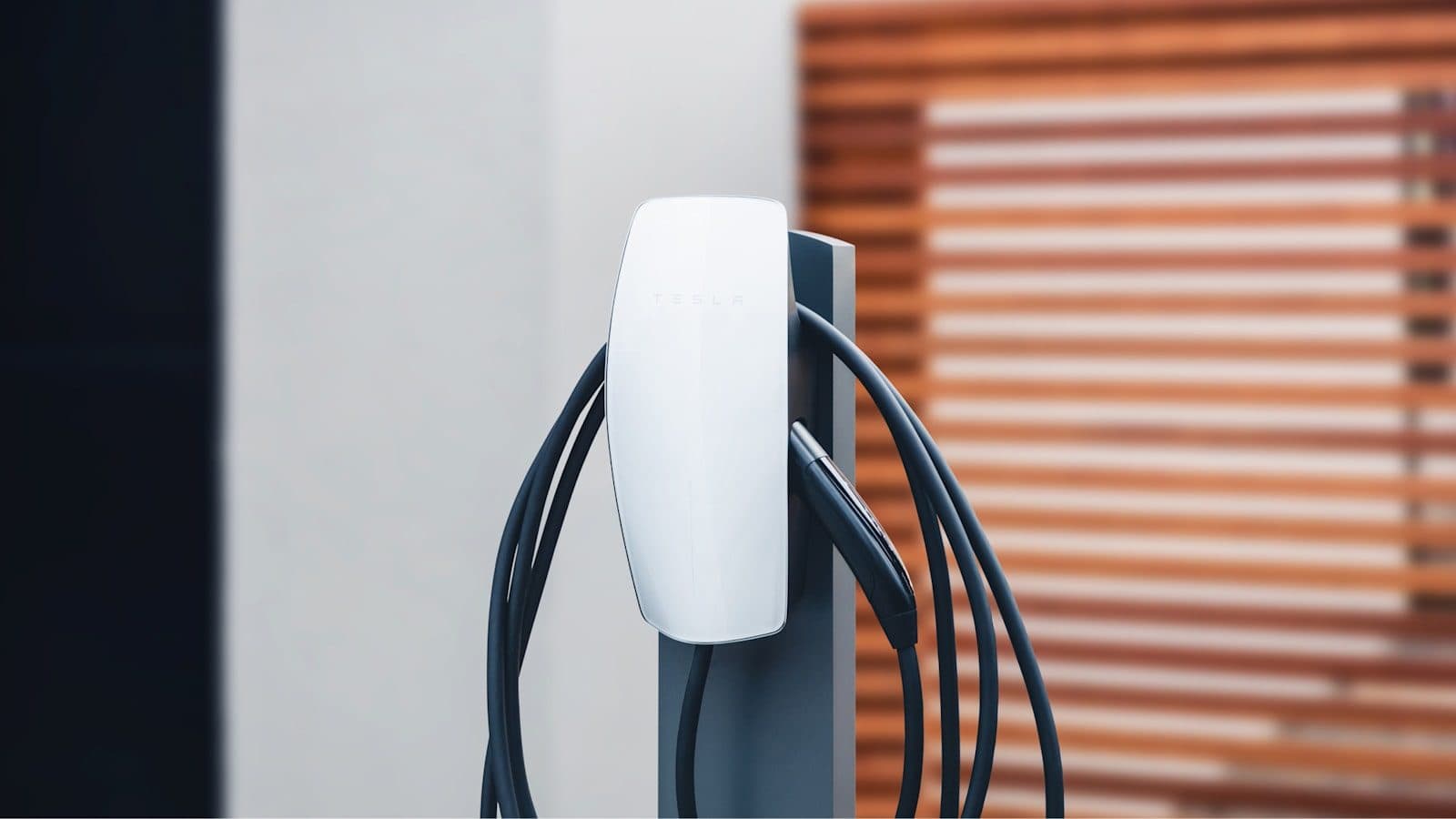
Tesla Wall Connector Installation Cost
Explains panel capacity, distance, conduit, permits, electrician quote variables, and when a cheaper Mobile Connector or 240V outlet path is enough.
Problem page
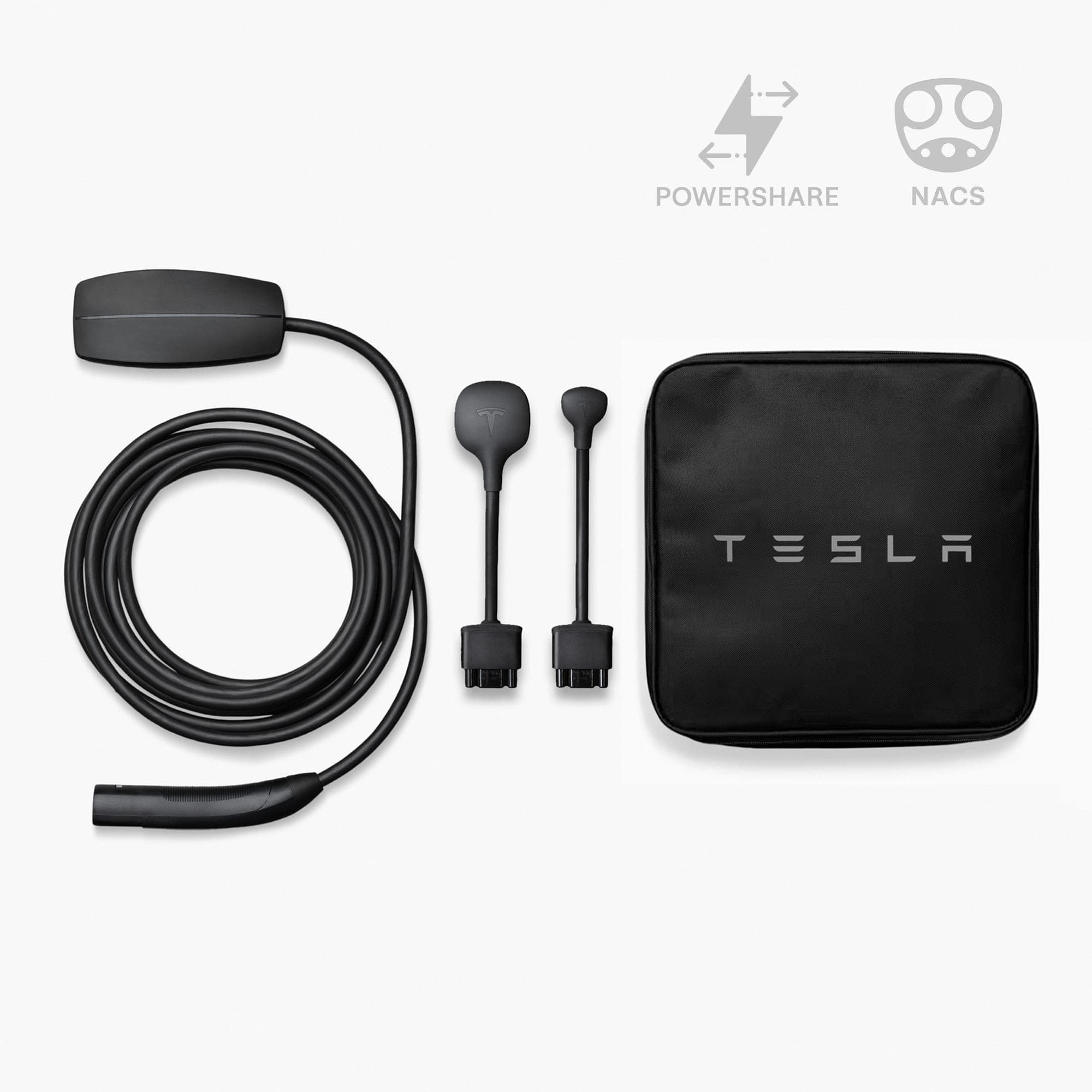
Is Tesla Mobile Connector Enough?
Uses daily miles, overnight dwell time, 120V/240V outlet access, and backup needs to decide whether Mobile Connector can be the daily charger.