Charging adapter direction
Buying a Tesla charging adapter? Don’t get the direction wrong
Simple Tesla charging adapter guide that helps owners avoid buying the wrong plug for CCS fast chargers, Tesla/NACS Superchargers, or J1772 Level 2 public chargers.
Updated Jul 2026 · Owner guidance only: have a licensed electrician verify circuits, permits, load calculations, and local code before installing or relying on high-amperage charging.
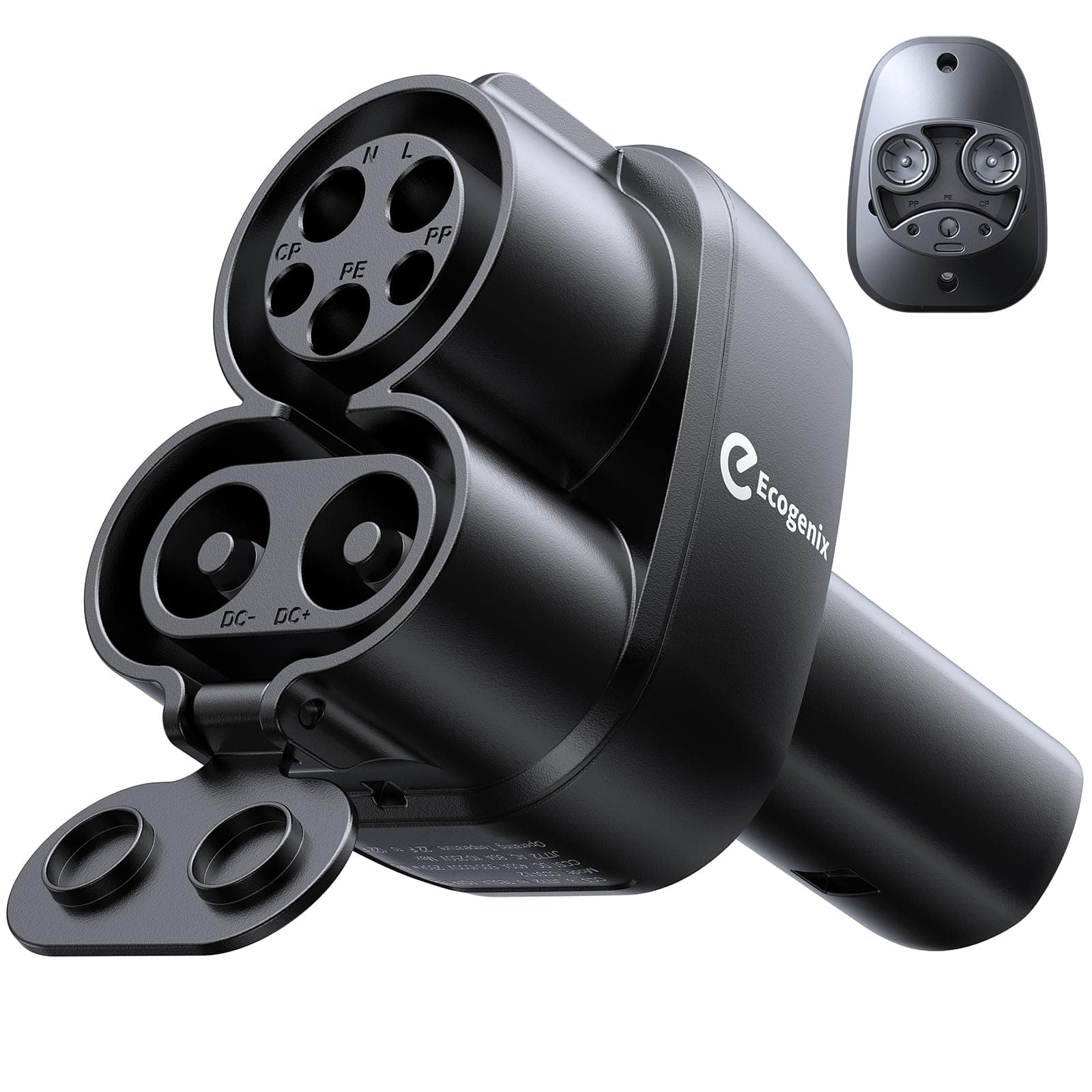
Ecogenix 2-in-1 adapter: J1772 is for Level 2 AC public chargers, while CCS1 is the DC fast-charging path. Tesla owners should verify their vehicle's CCS support plus station and network compatibility before use.
Campaign product
Ecogenix 2-in-1 CCS1 & J1772 to Tesla Adapter
ASIN B0CXDWZ193 combines two use cases: J1772 for Level 2 AC public charging and CCS1 for DC fast charging. Before use, confirm the exact Tesla has CCS support and that the station and charging network accept the vehicle and adapter combination.
Affiliate disclosure: Tesla Model Guy may earn a commission from this product link.
Short answer
- Tesla owner using CCS fast charging: look for CCS1 input to NACS/Tesla output, not NACS-to-CCS1.
- Ford/Rivian/GM/Volvo CCS1 EV using Tesla/NACS chargers: NACS input to CCS1 output can be the relevant direction if the vehicle and station are supported.
- Tesla owner using common Level 2 public chargers: that is usually J1772-to-NACS, not a DC fast-charging CCS adapter.
- Do not trust campaign titles alone; verify adapter direction, DC rating, vehicle support, Supercharger access, certification/safety claims, and return policy.
Next-step checklist
Choose the right fix before buying charging hardware
1 · Decide
Match setup to routine
Daily miles, overnight hours, parking access, panel capacity, and backup needs decide the setup — not charger hype.
2 · Scope
Prepare the electrician quote
Take photos, map the wire route, ask about permits, confirm load capacity, and choose hardware only after the install path is clear.
3 · Buy / install
Buy after the real problem is clear
Once you know whether the issue is app status, outlet limits, Wi-Fi, panel capacity, or hardware, the charger and cable choices become much easier.
Applies to
| Tesla model / owner type | Applies? | Why it matters |
|---|---|---|
| Tesla Model 3 / Model Y owners | Yes | Most need the adapter-direction warning because CCS1-to-NACS, J1772-to-NACS, and NACS-to-CCS1 solve different charging situations. |
| Model Y Juniper owners | Yes | Juniper owners should not buy a NACS-to-CCS1 adapter just because a listing says Tesla; verify the real charger/vehicle direction. |
| Ford / Rivian / GM / Volvo CCS1 EV owners | Mostly | NACS-to-CCS1 may be relevant for compatible Tesla/NACS fast charging, but access depends on vehicle/network support and the exact adapter. |
| Apartment / road-trip Tesla owners | Sometimes | Useful when relying on mixed public charging networks, but home-charging owners may not need a DC adapter at all. |
Decision factors: fit vs risk
CCS1-to-NACS
Good fit: Tesla/NACS vehicle wants to use a CCS1 DC fast charger.
Watch out: Not the same as a J1772 Level 2 adapter; verify Tesla vehicle support and charger network rules.
NACS-to-CCS1
Good fit: CCS1 non-Tesla EV wants to use a compatible Tesla/NACS fast charger.
Watch out: Usually the wrong direction for Tesla owners trying to use CCS chargers.
J1772-to-NACS
Good fit: Tesla owner wants to use common public Level 2 AC chargers at hotels, workplaces, apartments, or parking lots.
Watch out: It does not turn a J1772 Level 2 charger into DC fast charging.
No adapter
Good fit: Home charging, Tesla Supercharging, or native NACS equipment already fits your Tesla.
Watch out: Buying adapters before mapping your actual charging routine creates clutter and safety risk.
What owners get wrong
- • Buying a NACS-to-CCS1 adapter because the title says Tesla, when their Tesla actually needs the opposite direction for CCS chargers.
- • Confusing J1772 Level 2 public charging with CCS DC fast charging.
- • Assuming every Tesla Supercharger is open to every non-Tesla EV or every adapter.
- • Treating 250kW/500A marketing as proof the adapter is safe or compatible with the exact car and station.
- • Ignoring that high-power DC adapters are safety-critical hardware, not cosmetic accessories.
Practical action plan
- 1. Identify the vehicle port first: Tesla/NACS port, CCS1 port, or J1772-only AC inlet.
- 2. Identify the charger plug second: Tesla/NACS, CCS1, or J1772. Then match direction from charger plug to car port.
- 3. For Tesla owners, separate two questions: CCS fast charging needs CCS1-to-NACS, while common Level 2 public charging uses J1772-to-NACS.
- 4. For non-Tesla CCS1 owners, confirm the vehicle has Supercharger/NACS access in your region and that the adapter is supported for DC fast charging before buying.
- 5. Check rating, locking mechanism, thermal protection, weather rating, warranty/return policy, and real reviews before trusting a high-power adapter.
Useful next steps and buyer paths
These links are for products or guides that solve a real charging setup problem: permanent hardware, portable backup, cable storage, or new-owner planning.
Disclosure: Some links in this article are affiliate links. If you buy through them, we may earn a small commission at no extra cost to you. We only recommend products we've researched or tested; see our editorial standards.
Ecogenix 2-in-1 CCS1 & J1772 to Tesla Adapter
Exact ASIN B0CXDWZ193. Its CCS1 input is for a Tesla owner who has confirmed CCS support and a compatible CCS station/network; its J1772 input is for common Level 2 AC public chargers. Verify the exact vehicle, station/network, and manufacturer guidance before use.
NACS-to-CCS1 adapter for compatible non-Tesla EVs
Campaign-linked ESSGAER adapter verified as NACS input to CCS1 output. Good only for compatible CCS1 EVs using supported Tesla/NACS chargers — not the normal Tesla-owner CCS adapter direction.
Portable Tesla NACS charger comparison
If the real problem is backup/home charging rather than DC adapter access, compare portable NACS chargers first.
Tesla charging and home setup hub
Back up to the full charging cluster before buying hardware.
Verified facts and sources
Official Tesla Supercharging support page. Use it for public charging/session framing; actual prices vary by site, time, vehicle, and account details shown in the car/app.
Official Tesla support source for non-Tesla EV access to selected Superchargers. Use it to separate vehicle/network eligibility from adapter direction and brand claims.
Owner-practical framing from Model Y / Juniper ownership: choose the charging setup around daily routine and backup needs, not only maximum charge speed.
Related problems
Charging and home setup hub
Start here for Wall Connector, Mobile Connector, 120V, apartment charging, cable storage, and daily routine decisions.
Wall Connector vs NEMA 14-50 guide
Side-by-side owner guide for the common home-charging setup choice.
Where free Tesla charging still exists
Free city and utility networks that remain in 2026, hotel Destination pricing, and how to check the price before you plug in.
Tesla charging cost: app and stations
Separate station pricing, app estimates, Supercharger receipts, and real home electricity rates.
Is Tesla Mobile Connector enough?
If the adapter question is really about backup charging, solve portable charging first.
Tesla apartment charging options
Apartment owners often need routine planning before buying adapters.
Frequently Asked Questions
What is the difference between CCS1-to-NACS and NACS-to-CCS1?
CCS1-to-NACS usually means a Tesla/NACS vehicle can plug into a CCS1 DC fast charger. NACS-to-CCS1 usually means a CCS1 non-Tesla EV can plug into a compatible Tesla/NACS fast charger. The direction is not interchangeable.
Should Tesla owners buy a NACS-to-CCS1 adapter?
Usually no if the goal is to use CCS fast chargers. Most Tesla owners looking for CCS access need the opposite direction: CCS1-to-NACS. NACS-to-CCS1 is mainly for compatible non-Tesla CCS1 EVs using Tesla/NACS chargers.
Is J1772 the same as CCS?
No. J1772 is Level 2 AC charging. CCS1 is DC fast charging and physically includes the J1772 shape plus DC pins. Tesla owners should not confuse a J1772 adapter with a CCS fast-charging adapter.
What does the Ecogenix 2-in-1 CCS1 & J1772 to Tesla Adapter do?
The Ecogenix adapter (ASIN B0CXDWZ193) presents CCS1 and J1772 input to a Tesla output. J1772 is for Level 2 AC public charging; CCS1 is the DC fast-charging use case. Before using either input, verify the exact Tesla has the required CCS support and that the station and charging network allow the session and adapter combination.
Can every non-Tesla EV use a Tesla Supercharger with a NACS-to-CCS1 adapter?
No. Vehicle brand support, station eligibility, software/account access, region, and adapter compatibility matter. Check Tesla and the vehicle maker before relying on it.
Is the ESSGAER NACS-to-CCS1 adapter for Tesla Model Y owners?
Not for the common Tesla-owner CCS use case. The verified Amazon listing is NACS input to CCS1 output for compatible CCS1 EVs such as Ford, Rivian, Volvo, and GM using supported Tesla/NACS stations. A Model Y owner trying to use CCS chargers should verify a CCS1-to-NACS adapter instead.
Keep reading
Problem page
Tesla Wall Connector Installation Cost
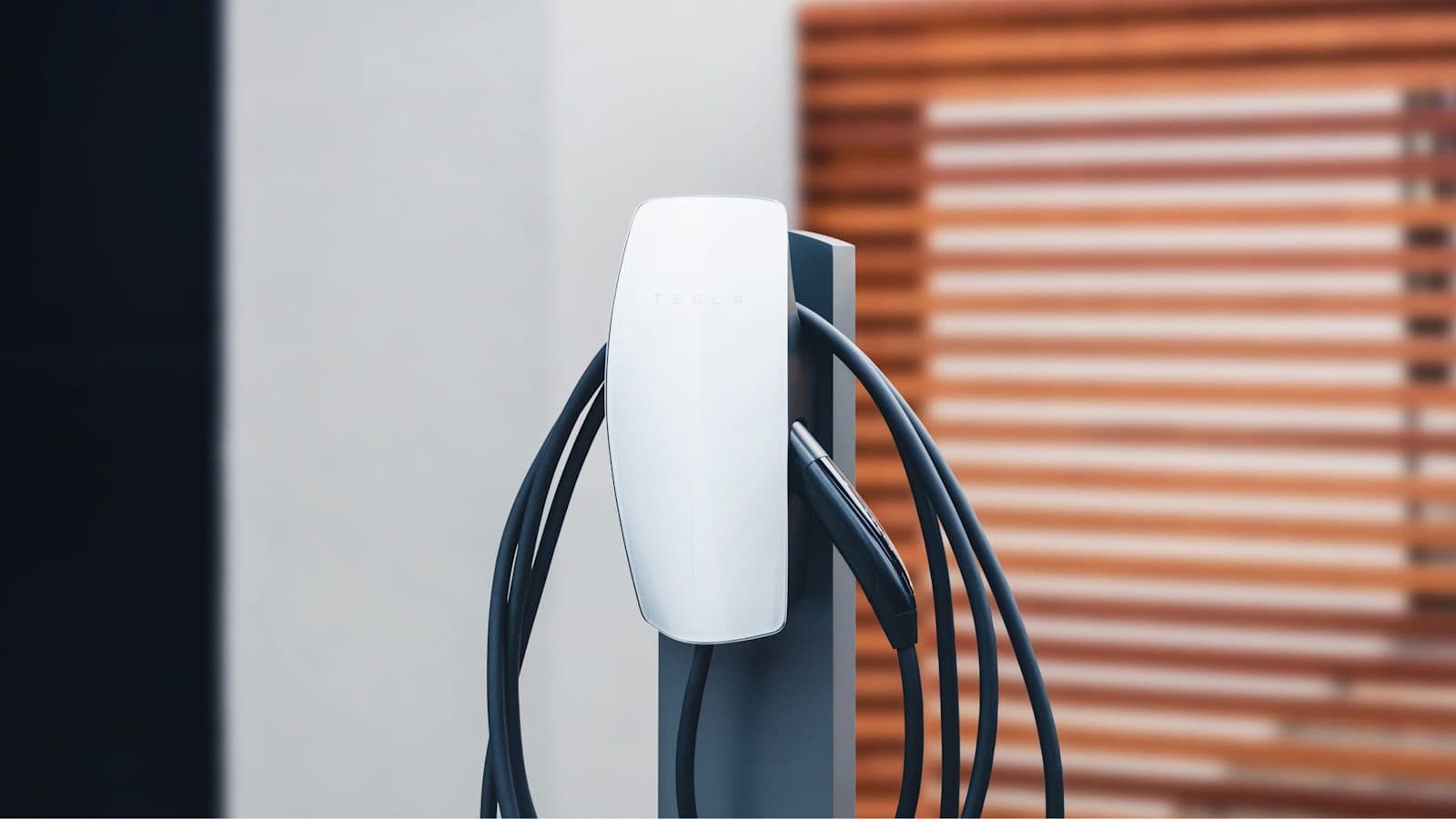
Explains panel capacity, distance, conduit, permits, electrician quote variables, and when a cheaper Mobile Connector or 240V outlet path is enough.
Problem page
Is Tesla Mobile Connector Enough?
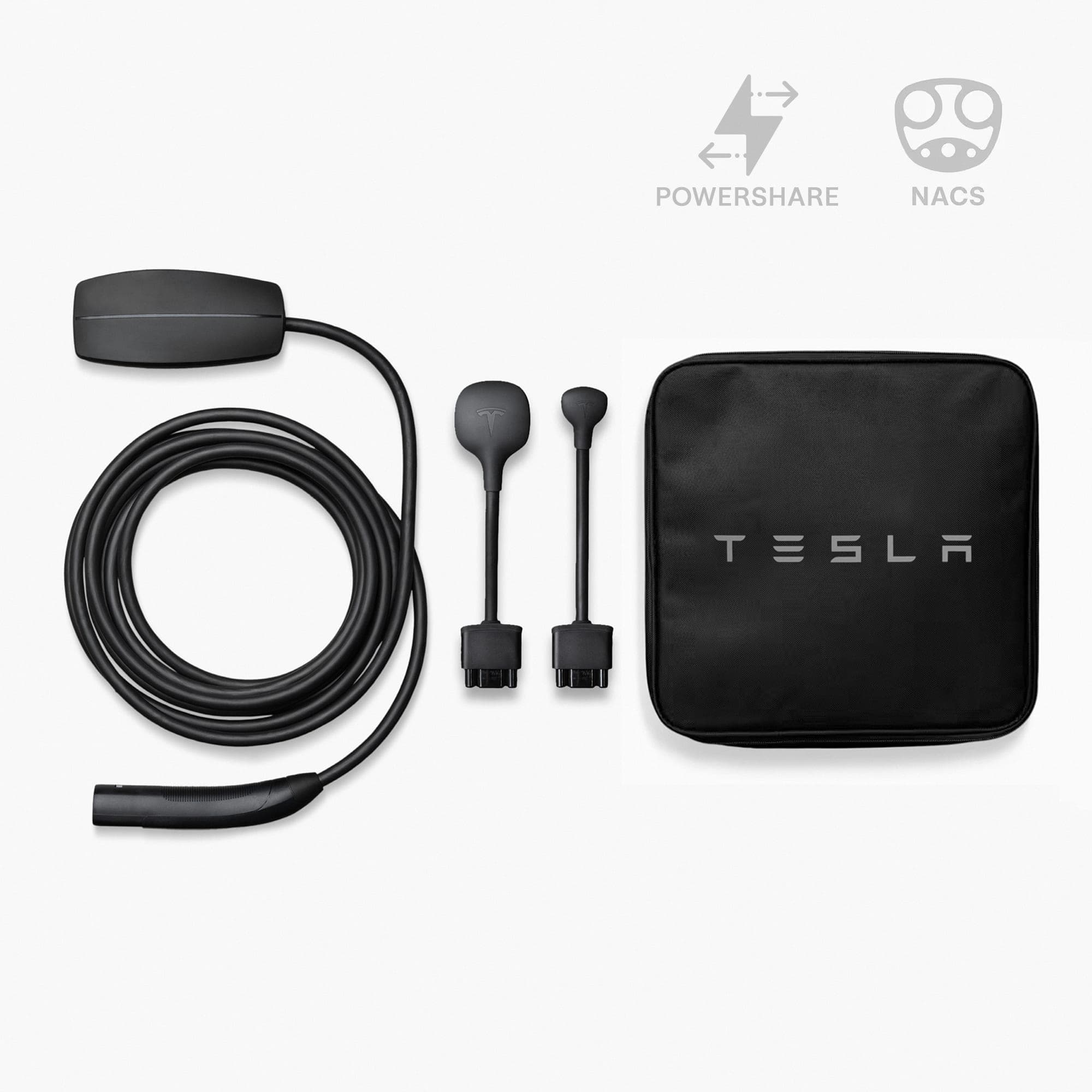
Uses daily miles, overnight dwell time, 120V/240V outlet access, and backup needs to decide whether Mobile Connector can be the daily charger.
Problem page
Tesla Apartment Charging Options: What to Do Without a Garage
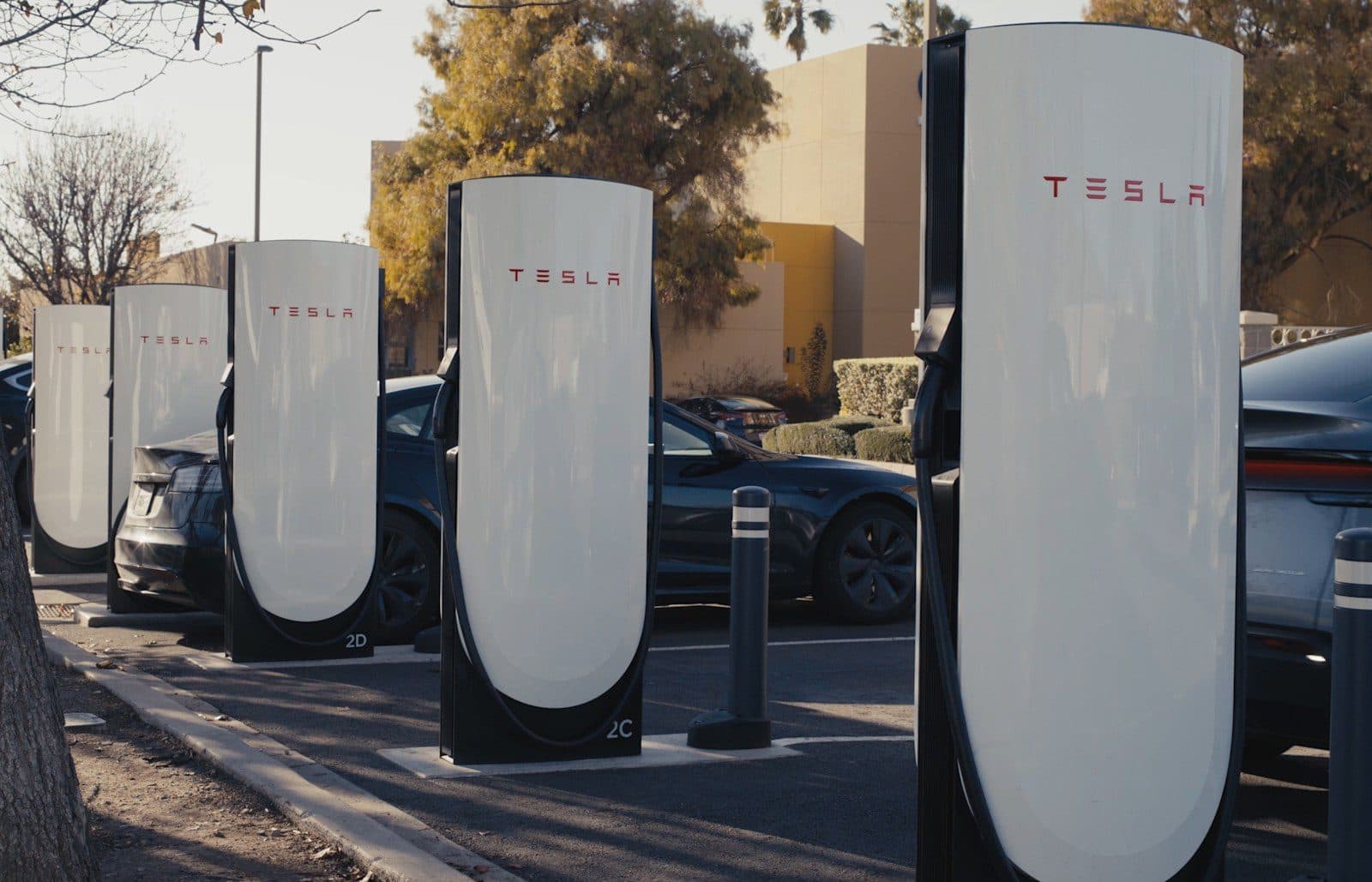
Apartment charging guide for Tesla owners without a garage: landlord permission, assigned parking, workplace and public charging routines, 120V limits, and when to wait.
Problem page
Can You Use a 120V Outlet for Tesla Daily Charging?
Daily-mile math for charging a Tesla on a normal 120V outlet, with outlet safety, cold-weather buffer, and when to upgrade to a 240V circuit.
Different Model Y? What fits the Model Y Standard · What fits the Model Y L