Tesla Grok: Check the Gates First
Before you expect voice commands to work, confirm the hardware, software, and connection your car actually has.
GUIDES
Tesla Grok Vehicle Commands: Cost, Requirements, and What Works (2026.26)
The short answer: Tesla says in-car Grok does not need a Grok account or subscription at this time. The real gates are an AMD infotainment processor, compatible vehicle software, and Premium Connectivity or stable Wi-Fi. The newer 2026.26 release notes add vehicle-command capabilities, but Tesla's support page still shows older, conflicting language. Check both your version and the current support page before relying on a command.
The confusing part is not whether Grok exists. It's whether it exists in your car, what connection it needs, and whether the command you want is actually in the software you have. This guide separates those questions so you can check your own car in two minutes.
Last checked: July 27, 2026 · Covers published requirements and availability, not a reliability rating
Does Tesla Grok cost money?
| Thing you may pay for | What it changes | What it does not mean |
|---|---|---|
| In-car Grok | Tesla says no Grok account or subscription is required to enable it at this time. | It does not remove the hardware, software, or connectivity requirements below. |
| Premium Connectivity | It is one of Tesla's accepted ways to give Grok a connection. | It is not a Grok subscription. Check your Tesla account for your own plan and price. |
| Standalone Grok plans | They can apply to Grok outside the car, depending on the service you choose. | They are not required to enable Tesla's in-car Grok feature. |
The three gates that decide whether it works
01
AMD infotainment processor
Tesla lists an AMD processor as a requirement. In the car, open Controls > Software > Additional Vehicle Information to see the infotainment processor. Do not assume a model year alone answers this for a used car.
02
Software that includes Grok
Tesla's support page lists vehicle software 2025.26 or later for Grok availability. The newer vehicle-command expansion is described in the 2026.26 release notes, so check your actual installed version before expecting those commands.
03
Premium Connectivity or stable Wi-Fi
Tesla says you need Premium Connectivity or a stable Wi-Fi connection to enable and use Grok. This is a functional requirement, not a minor convenience: no usable connection means no response.
Used Tesla buyer note
This is why “what year is your Tesla?” is not a complete Grok compatibility check. Open the Software tab and verify the processor in the actual car. For broader used-model-year context, see our used Model Y buying guide.
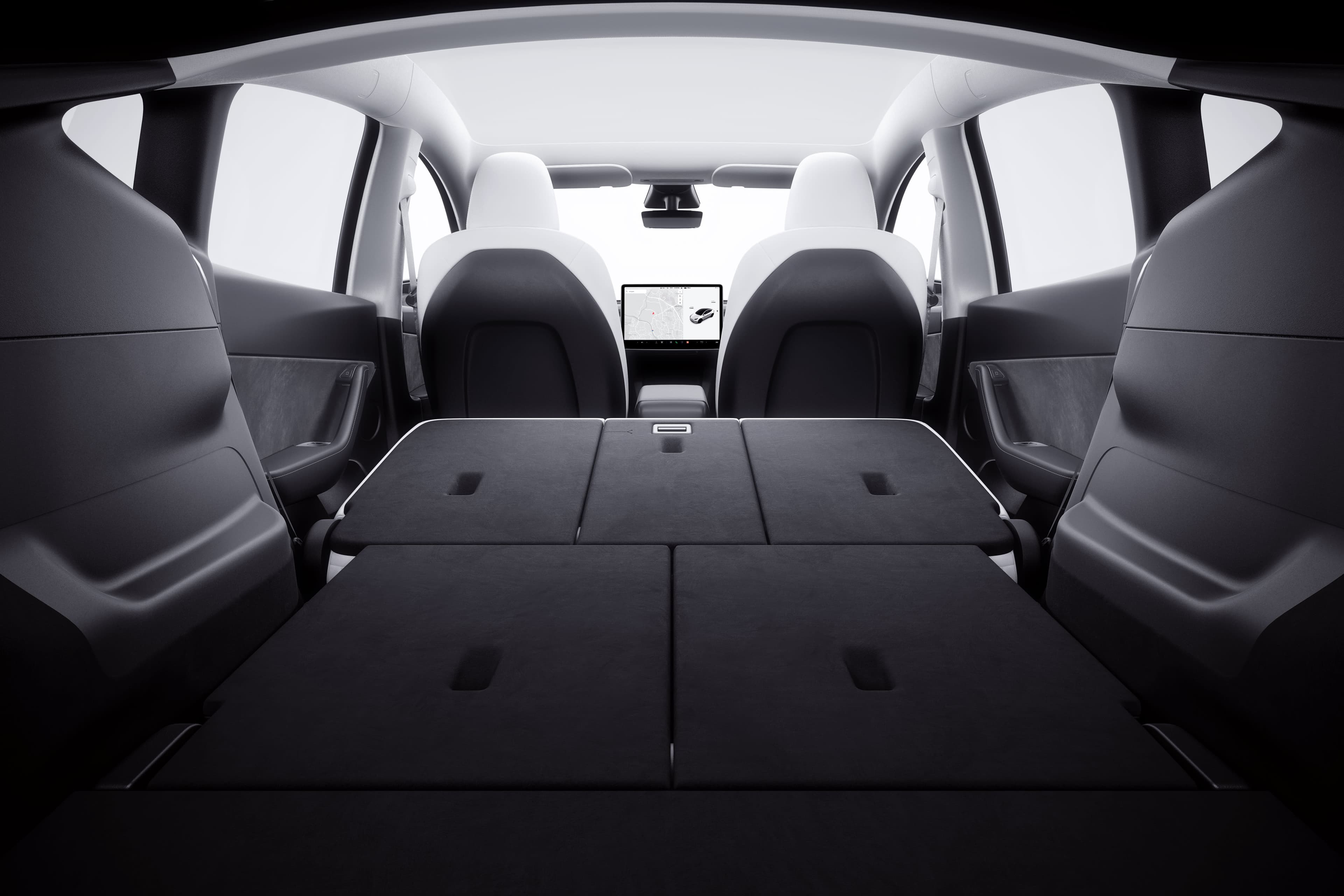
Illustrative Tesla cabin image only. It is not a Grok screenshot and does not show a command result.
What the 2026.26 release notes say changed
Tesla's 2026.26 release notes describe a newer Grok capability set: making phone calls, playing music, adjusting climate, and searching the Controls panel. Navigation-related requests require software version 2025.44.25 or later and the Assistant personality, according to Tesla's Grok support page.
Why you may see contradictory answers online
Tesla's support page currently still says that Grok does not include voice commands for vehicle controls such as media or climate. That wording conflicts with the newer 2026.26 release notes. We are treating the release notes as the newer feature record, but not hiding the mismatch. Tesla may update either page or change rollout availability, so verify the live support page and your car's release notes before treating a specific command as guaranteed.
What Grok does not mean
Not FSD and not driving control
Grok is a conversational assistant. It is not Full Self-Driving and should not be treated as a way to control driving behavior.
Not a reason to stop using normal controls
The feature is still beta. Use normal touchscreen and legacy voice controls when that is clearer, faster, or safer. Do not experiment with a new interface while attention belongs on the road.
Not a claim that every Tesla has the same rollout
Hardware, software version, connection, and Tesla's rollout decisions all matter. This page explains the published gates; it does not replace what your vehicle shows today.
Privacy, guest use, and sign-in
Tesla says Grok interactions are processed by xAI under xAI's privacy notice; Tesla says conversations remain anonymous to Tesla and are not linked to you or your vehicle. Tesla also says you can use guest mode without an account, while signing in can sync history across devices. That is a meaningful choice: if you do not need synced history, guest use avoids adding an account to the in-car session.
A practical first check
- Open Controls > Software > Additional Vehicle Information and confirm AMD infotainment hardware.
- Confirm the vehicle's installed software version and read its release notes.
- Make sure Premium Connectivity is active or connect to stable Wi-Fi.
- Read Tesla's current Grok support page before relying on a specific new command.
Frequently asked questions
Does Grok in a Tesla cost money?
Tesla says a Grok account or subscription is not required to enable Grok in the vehicle at this time. Premium Connectivity or stable Wi-Fi is still required, and standalone Grok subscriptions are separate from Tesla's in-car feature.
How do I know whether my Tesla can use Grok?
Check Controls > Software > Additional Vehicle Information for an AMD infotainment processor, then confirm your vehicle software and that Premium Connectivity or a stable Wi-Fi connection are available.
Can Grok control a Tesla?
Tesla's 2026.26 release notes describe commands for calls, music, climate, and Controls-panel search. Tesla's support page still contains older wording saying vehicle-control voice commands are not included, so treat the release notes as the newer feature list and verify the current support page and your installed version.
Do I need a Grok account in my Tesla?
No account is required to enable in-car Grok at this time. Tesla says signing in can sync history across devices; guest use does not require an account.
Is Tesla Grok the same as FSD?
No. Grok is an in-car conversational assistant. It is not FSD and should not be treated as a driving-control feature.
Sources and update note
- Tesla Grok support page — account, hardware, connectivity, privacy, beta status, and navigation requirements; read July 27, 2026.
- Tesla 2026.26 in-car release notes — vehicle-command additions cited above. Check the release notes in your own vehicle because availability can change by version and rollout.